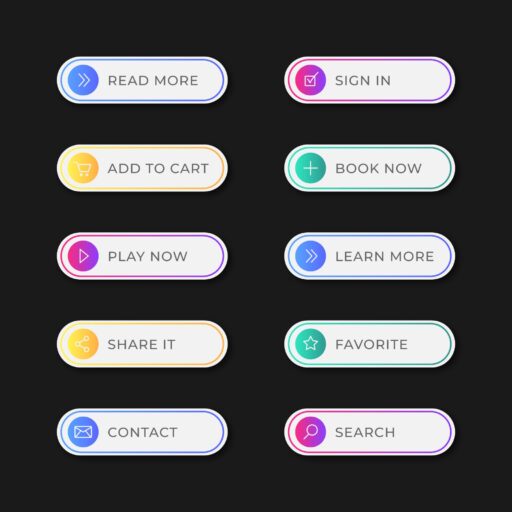
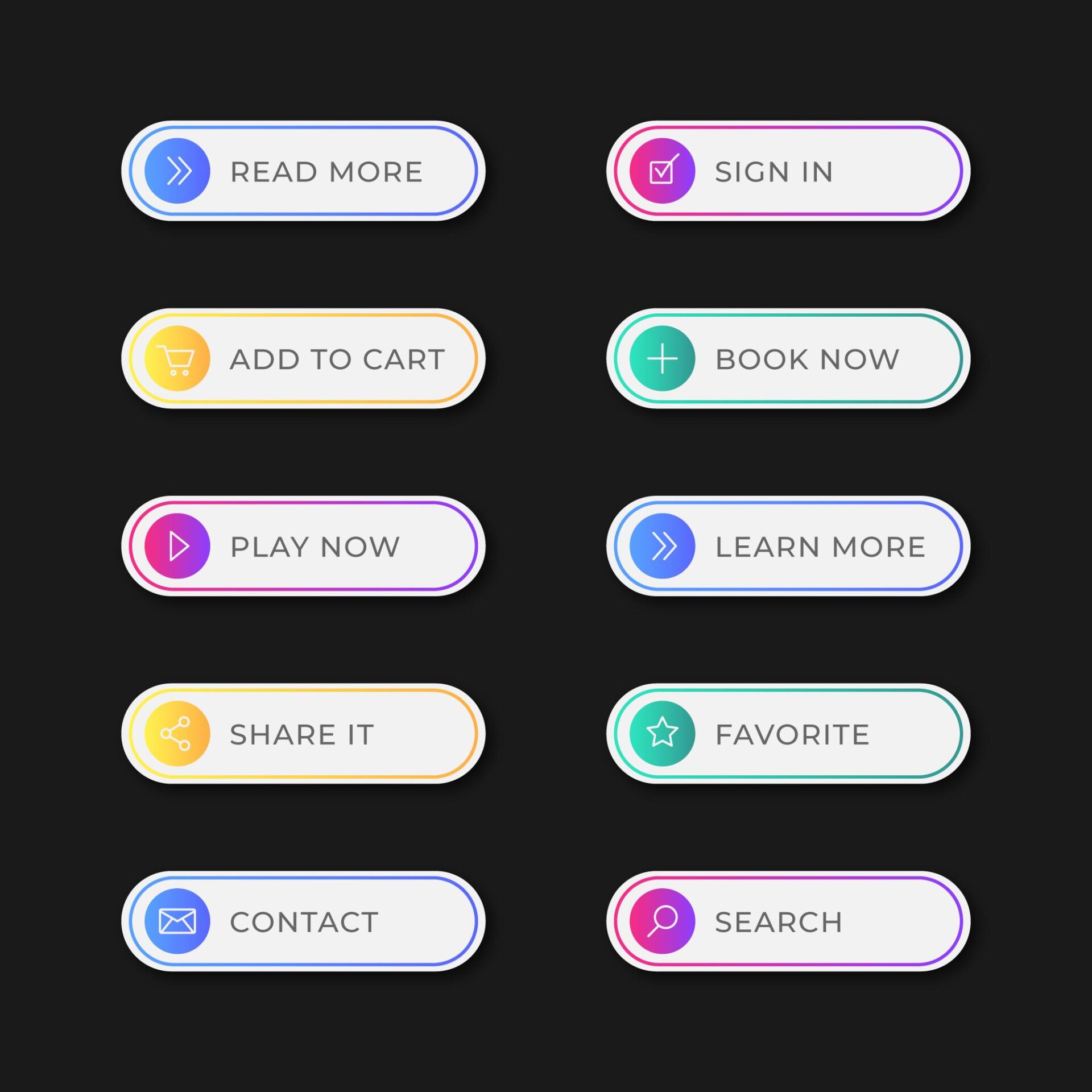
Buttons do a lot of work on a webpage. Those small clicks often drive the most actions, and small changes to how they look or behave can lift conversions. Keep them on your radar. This guide ranks the best WordPress button plugins with a simple, practical scoring system.
Each plugin was judged on ease of use, design freedom, interactive feel, impact on site speed, and how well it supports real tasks like affiliate links or calls to action. Ease of use and design flexibility weigh 25% each. Interactivity and performance sit at 20% each. Practical application makes up the final 10%.
Tests ran on a clean WordPress 6.6+ install with the Twenty Twenty-Five theme and no page builders. PHP 8.2 stayed current. Chrome Lighthouse handled performance checks, and Query Monitor watched scripts and database calls. Core Web Vitals got extra review with WebPageTest to confirm these plugins won’t slow things down.
The focus stays on four plugins: Coupon & Discount Code Reveal Button, Button Block – Design Stylish, Interactive, and Multi-Functional Buttons, Superb Addons, and Button Generator – Easily Create Custom Buttons with Icons and Analytics. Bulky social share suites and legacy shortcode packs didn’t make the cut since this roundup highlights modern tools that work well with block editors.
Stick around for a clear ranking that matches different needs. Whether you’re an affiliate aiming for more conversions, an agency with client demands, or a blogger who wants clean calls to action, you’ll find picks that fit. Setup tips will help you get results without hurting speed.
1. Coupon & Discount Code Reveal Button is the top pick for affiliate CTAs
Hide your coupon or affiliate code until someone clicks, then the code appears and copies with one tap. Coupon & Discount Code Reveal Button does this and cuts copy-paste mistakes so you get proper credit for each referral. It gives visitors a smooth path to checkout.
Setup is quick. Add the Gutenberg block to your page, paste your affiliate URL, then toggle options like reveal and copy. Want urgency? Add a countdown timer or a badge in a few clicks. Most people finish in under five minutes.
Design options are flexible. Pick custom colors or gradients to match your site, round the corners, and place icons on either side of the text. A “Limited time” badge helps on flash deals. Font sizes adjust across devices so everything stays readable without touching CSS.
When someone interacts with the button, the code reveals with a clean animation, clicking copies it instantly, and optional confetti adds a small win. Event hooks fire for analytics tools like Google Tag Manager so you see real engagement.
Performance stays tight. The plugin ships under 10 KB of minified CSS and defers about 12 – 18 KB of JavaScript. No jQuery. It listens only when visible to avoid layout shifts and keeps main-thread blocking low, around 20 ms on average machines.
Affiliate marketers get extra value by placing these buttons beside price comparison tables or product boxes where shoppers expect discounts. Auto-append adds tracking parameters, and copy-to-clipboard reduces mistyped codes, which improves attribution accuracy.
Tests showed pairing reveal gates with timers nudged click-through rates by about 8 – 12% on coupon pages. Results vary, but it’s a simple tactic worth trying as a micro-commitment that encourages action.
Accessibility is covered. Keyboard users see clear focus outlines, Enter or Space triggers reveals, ARIA live regions announce “Code copied” for screen readers, and built-in contrast checks help meet WCAG AA.
Analytics hooks are straightforward. Custom events like reveal_start, reveal_complete, and code_copied plug into GA4 or GTM, with examples in the docs. Outbound clicks tied to affiliate networks track without extra plugins.
Pricing starts free with one basic reveal style. Upgrading unlocks more templates and deeper analytics for single-site licenses, usually under $50 per year.
Button Block is a design‑rich choice for clean CTAs and landing pages
Want clean, eye-catching buttons right in the WordPress editor without opening a full design tool? Button Block nails that. It’s made for simple calls to action on hero sections, pricing pages, or any spot where you need a button that stands out without stealing the whole show.
Drop the block in, then tweak padding, shadows, borders, and hover styles live. No shortcodes. No guessing. Edits show up as you make them, so you see what visitors will see. Global styles keep brand colors and spacing aligned across every button.
Design control goes deep. Build gradients with its designer. Let labels wrap to multiple lines cleanly. Place icons on the left or right. Flip shapes from pill to square in a click. Adjust typography per device so text looks right on phones and desktops. Hover effects include slight scale, glow, and underlines, plus an optional ripple effect for a subtle highlight.
There’s a handy scroll-to-section option too. Click a button and the page glides to the target section, offsets for sticky headers, and avoids jarring jumps.
Performance holds up. Styles use CSS variables from a shared stylesheet around 8 – 12 KB gzipped. JavaScript only loads if you switch on interactive effects. Reserved space limits layout shifts, so content doesn’t jump around.
It works well inside Group blocks and Columns, and it supports Reusable blocks and Patterns. It also respects theme.json color palettes and spacing scales, so buttons feel consistent across the site.
Accessibility gets real attention. Buttons render as proper HTML elements, button for in-page actions or a for links. Focus rings are clear for keyboard users. ARIA labels cover icon-only cases. You’ll see warnings if color contrast drops below recommended levels.
Here’s how it fits in real pages:
- A bold primary button with a subtle secondary right below a headline for a strong hero area
- Tiny inline buttons tucked next to list items without breaking line height
One limit to remember: Button Block doesn’t track clicks or reveal hidden content like coupon codes. It’s about look and feel. If you want basic metrics, pair it with GA4 outbound click events or Google Tag Manager auto-event triggers to log clicks without extra friction.
Superb Addons offers agency‑friendly button options and templates
Superb Addons gives you a complete toolkit, not a simple button add-on. It’s designed for agencies. You get a solid Button block, Dual Button options, plus extras like icon lists and badges to build full sections fast. Perfect for pricing or service pages where buttons fit into a larger design, not sit on their own.
The time-saver is the template and pattern library. Need a pricing table? Import one, swap your call-to-action buttons in seconds, and keep moving. Agencies working across multiple client sites or multisite setups finish builds faster while keeping a polished look.
Design control runs deep. Mix dual buttons with outline and filled styles, or place icons above labels for a sharp layout. Widths adapt to the layout: auto flows naturally, fixed sets a tight size, full stretches edge to edge. Colors transition across normal, hover, and active states so CTAs feel responsive.
Interactivity adds a helpful layer. Subtle pulses draw attention without shouting. Scroll-in animations bring content into view in a calm way. Tooltips work on hover and with keyboard triggers, which supports accessibility.
Weight is higher than single-purpose button plugins. Expect roughly 20 – 35 KB of CSS and around 15 KB of JavaScript for button features. Conditional loading keeps unused blocks out, so only what you use gets loaded.
Teams get value from global presets. Lock down CTA styles across projects, export and import settings between sites, and keep brand consistency during handoffs.
Accessibility gets real attention. Tooltips include ARIA-describedby. Focus traps stop accidental dismissal of hover-only content. Dual-button groups keep tab order logical so keyboard users move through CTAs without friction.
Agencies like it for side-by-side CTAs such as “Book a call” next to “See pricing,” matched to brand palettes without hassle. If you only need a few basic buttons, the full suite may feel like too much. Watch for theme.json token conflicts, since duplicated style sources may appear in some setups.
Updates roll out often. Test on staging before going live, since some major releases shift layouts.
Button Generator adds custom buttons with built‑in click analytics
Button Generator builds click tracking right into your WordPress dashboard. No extra tags, no third-party scripts. You see total clicks, click-through rates, and trends by day or week. The built-in panel lets bloggers and marketers test CTAs like Download or Learn more without extra setup.
Creating a button takes a minute with the wizard. Pick a label, drop in the URL, choose an icon from the library, and select a size preset – small, medium, or large. Tweak border radius and colors, and load brand presets to keep styles consistent across the site. It works as a block on modern pages and as a shortcode for older content, so existing posts still fit.
Design controls cover the essentials. Icons sit next to text. Secondary text adds a short subtitle under the main label. Borders offer several styles. Hover effects highlight buttons, and a soft press animation adds click feedback. After a click, short confirmation microcopy appears for a moment. It doesn’t block navigation, just confirms the action went through.
The plugin stays light on performance at roughly 5 – 8 KB of JavaScript. Click tracking runs over AJAX with nonce protection. IPs get anonymized, and browser Do Not Track signals are honored. It also plays well with caching plugins.
Every click lands in a custom WordPress table for safe storage. Admins filter reports by post type, author, or category, then export CSVs for any date range. Running GA4 too? Events pass through for easy integration.
This tool fits teams who want clear data on which CTAs win without complex setup. It works well on resource pages and affiliate links where fast feedback matters.
Privacy stays in focus. Turn analytics off per button on pages with sensitive info or lower tracking needs.
It won’t reveal coupons and doesn’t go beyond basic visual styling. The aim stays on clean design and useful insights, not showy effects.
Planning many tracked buttons across posts or landing sections? Set a naming convention to keep reports neat. For example, cta_hero_primary or cta_post_footer makes sorting stats easier at scale.
How to choose the right button plugin and our final ranking
If you’re choosing a WordPress button plugin, start with your goal. Want more affiliate or coupon conversions? Coupon & Discount Code Reveal Button nudges clicks by hiding a code until someone interacts. It’s simple, fast, and focused on results. If design control matters most, Button Block gives tight layout control with live editing and deep styling. Agencies working across many sites get speed from Superb Addons, thanks to its full toolkit and templates that ship polished results fast. Need built‑in click tracking without extra setup? Button Generator logs clicks right inside WordPress.
Quick picks: 1) Affiliate conversions → Coupon & Discount Code Reveal Button. 2) Brand‑tight design → Button Block. 3) Multi‑site or agency work → Superb Addons. 4) Simple click tracking, no GTM → Button Generator.
Use this checklist to get more clicks from any plugin you choose. Keep border radius consistent across buttons. Hit at least a 4.5:1 color contrast for readability. Use clear labels like “Get the deal.” Place your main CTA above the fold, then repeat it after key sections to catch skimmers.
Performance affects conversions. Stick to one button plugin per site when possible. Turn on conditional loading so only needed assets load. Lazy load icons if the option exists. After publishing changes, check Total Blocking Time and Cumulative Layout Shift in Lighthouse or WebPageTest.
Measure results on a schedule. Define conversion events in GA4, or use the plugin’s analytics panel if it has one. Name buttons in a consistent way so reports stay tidy. Review stats weekly. Adjust copy, size, or placement based on what wins.
Pick the tool that fits your main goal. Better CTAs lift engagement and stay fast when you keep design consistent and tracking tight.